Systems
How you talk to your team without a word: pings, votes and the event log.
 Contextual Ping
Use Alt+click (by default) on different entities to send them an instant message. Allied players: congratulations or compliments. Enemy players: target this Giant! Outposts and Bastions: attack (enemy) or defend (allied). Abomination, Colossus and Siege Dozer: start an objective vote to attack. Tunnel: I'm going that way!
Learn more : Contextual Ping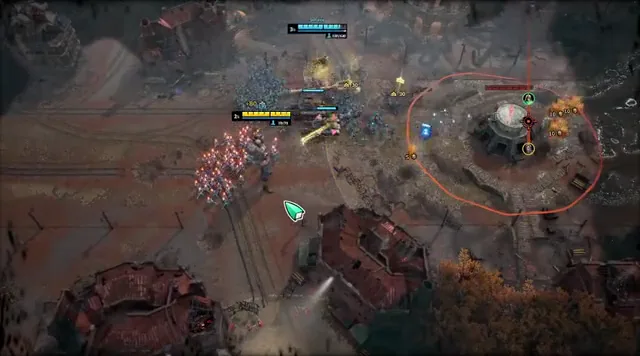 Watch the game's demoClose the demo
 Event Log
Press Enter to open the event log and the quick chat options. The event log keeps a record of in-game events and of the messages exchanged between you and your allies.
Learn more : Event Log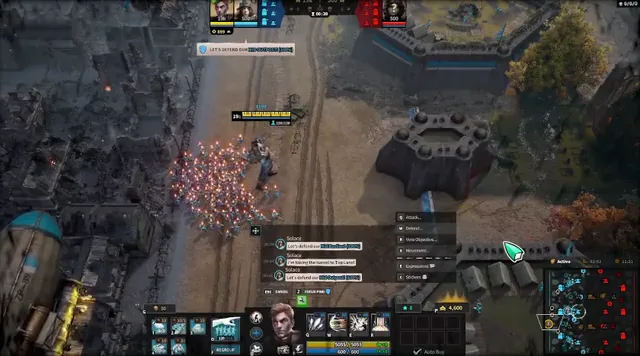 Watch the game's demoClose the demo
 Objective Vote
Use Alt+click (by default) for a contextual ping on the Abomination, the Colossus or the Siege Dozer to start an objective vote and better coordinate attacks with your teammates.
Learn more : Objective Vote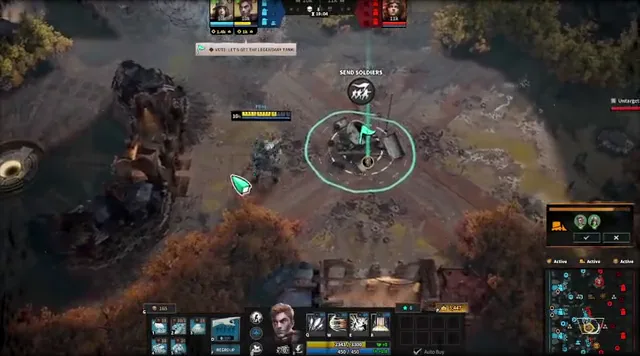 Watch the game's demoClose the demo
 Ping Targeting
Press Z to move your camera instantly to where the last ping was placed. Use this to check quickly what is happening on the battlefield.
Learn more : Ping Targeting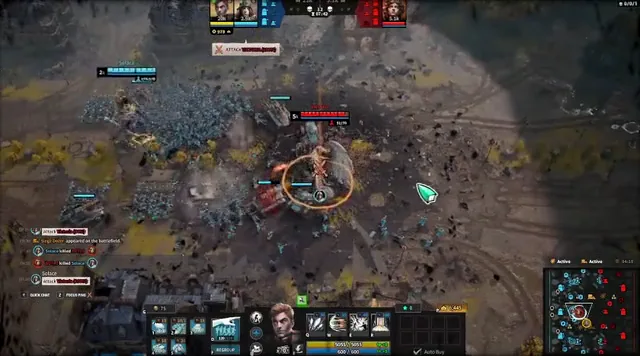 Watch the game's demoClose the demo
 Voiceless Communications
You can communicate with your troops through your Giant's voice by using Alt+click (by default) on any Giant, landmark or area of the map. This sends a contextual ping to your team, also visible on the minimap.
Learn more : Voiceless Communications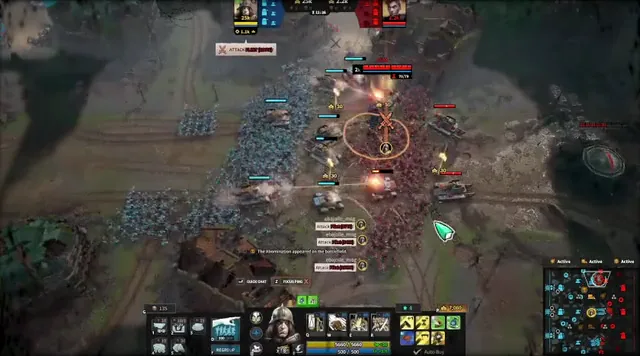 Watch the game's demoClose the demo
| Name | Closed Alpha | Pioneer | Research | Latest released data | Data points |
|---|---|---|---|---|---|
| Contextual Ping | — | Established B | Partially verified | — | 1 |
| Event Log | — | Established B | Partially verified | — | 1 |
| Objective Vote | — | Established B | Partially verified | — | 1 |
| Ping Targeting | — | Established B | Partially verified | — | 1 |
| Voiceless Communications | — | Established B | Partially verified | — | 1 |
- Official / directly documented
- Direct evidence
- Strong primary-secondary
- Reliable community corroboration
- Weak / unverified